
AI Banner Generator for Website Headers and Digital Campaigns
Generate cohesive website hero banners, collection headers, email graphics, and display headers in standard web aspect ratios with clean copy alignment.
- Immediate First-Impression Clarity
- Flawless Cross-Device Legibility
- Unified Campaign Aesthetics
No credit card required · Instant setup · Full editorial control
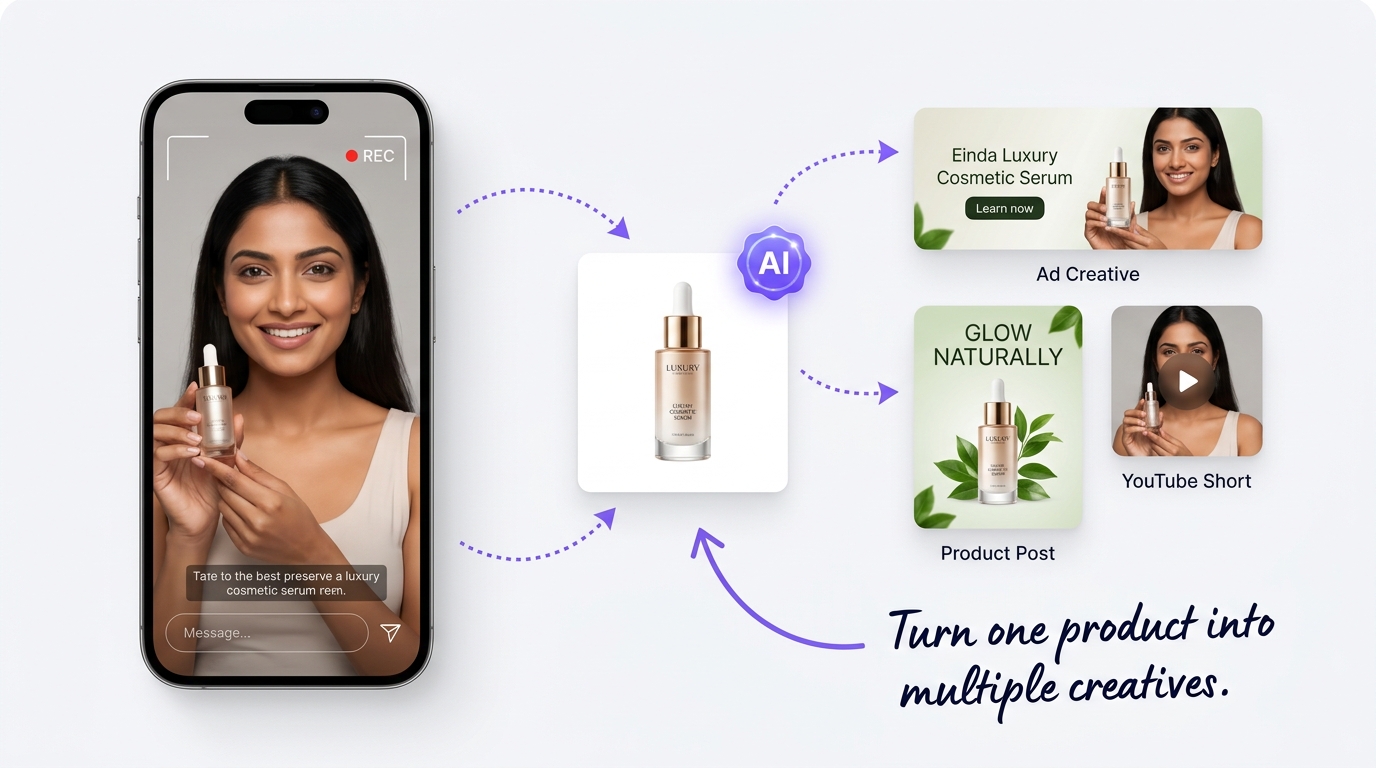
Website and campaign banners require precise layout balance that is hard to maintain across screen sizes.
Banners sit at the very top of websites and digital campaigns, serving as the first visual touchpoint. When banners have text baked into images awkwardly, cropped product shots, or conflicting focal points, visitors bounce before reading your value proposition.
Awkward Responsive Cropping
Widescreen desktop banners frequently cut off products or crop through headline copy when viewed on mobile screens.
Text and Background Clashing
Placing white text over busy photography without proper contrast layers makes banner headlines difficult to read.
Repetitive Re-sizing Cycles
Designers spend hours repositioning identical product cutouts and copy into leaderboard, square, and vertical banner dimensions.
Visual Incoherence Across Campaigns
Header banners, email banners, and social ads look like they were created by different companies, eroding brand identity.
Standardized banner architecture with responsive visual breathing room.
HyperFast AI Studio structures banner layouts with dedicated copy zones, clear product focal points, and harmonious background gradients that adapt across desktop and mobile.
Designated Copy and CTA Zones
Keep headlines, supporting text, and action buttons separated from product photography with clean negative space.
Responsive Multi-Ratio Generation
Create coordinated 16:9 hero headers, 3:1 email banners, and 1:1 promo tiles from a single campaign brief.
Subtle Contrast Gradients
Incorporate soft ambient scrims and background gradients that maintain headline legibility and high contrast in any lighting condition.
Concrete benefits for daily operations
Clear outcomes focused on consistency, reduced repetitive tasks, and coordinated delivery.
Immediate First-Impression Clarity
Ensure visitors landing on your homepage or collection page understand the promotion in under two seconds.
Flawless Cross-Device Legibility
Maintain readable headlines and well-framed product cutouts across both desktop monitors and smartphones.
Unified Campaign Aesthetics
Deliver visual consistency across your website hero, promotional email blasts, and digital display campaigns.
Fast Campaign Execution
Deploy fresh promotional banners for flash sales, seasonal holidays, or product drops in minutes.
Coordinated Website Hero Banners
Update your homepage and collection banners to match ongoing seasonal promotions.
Standardized Ad Network Sizes
Produce standard banner dimensions (leaderboards, skyscrapers, rectangles) in one go.
Tailored use cases across industries
How different teams, operators, and business models apply this workflow.
E-commerce Homepage Heroes
Introduce seasonal collections, free shipping promotions, and marquee product releases with bold visuals.
Collection and Category Headers
Header banners for specific catalog categories (e.g. Summer Essentials, Wireless Audio, Kitchenware).
Email Newsletter Header Banners
Welcome subscribers and announce weekly deals with compact, fast-loading 600px email headers.
Google Display Network Campaigns
Prepare standard leaderboard (728x90), medium rectangle (300x250), and billboard ad banners.
Create multi-format banners in four steps.
A systematic approach to website and campaign banner creation.
Select Banner Purpose and Ratio
Choose your intended format: website hero (16:9), collection banner (3:1), or promotional tile (1:1).
Add Product Asset and Copy
Upload a clean product cutout and provide your primary headline, subhead, and button text.
Adjust Focal Positioning
Position product assets on the left or right, ensuring generous breathing room for typography.
Export Lightweight Web Assets
Download optimized JPEG, PNG, or WebP files ready for instant storefront integration.
Responsive behavior and conversion focus.
A well-structured banner guides user attention directly toward your desired call to action.
Visual Simplicity
Eliminates chaotic background clutter, allowing the headline offer to stand out clearly.
Page Load Speed
Properly compressed banner assets prevent sluggish page loading and eliminate layout shifts.
Campaign Continuity
Ensures visitors clicking a promotional link arrive on a landing page featuring the exact same banner creative.
Required Human Review Checklist
HyperFast assists in accelerating drafting, generation, and formatting. To maintain customer trust and operational accuracy, your team should verify these items before publishing:
- Verify that text remains legible on small mobile viewports without requiring user zoom.
- Confirm that button text (such as 'Shop Collection' or 'Learn More') reflects active store destinations.
- Check that promotional discount codes, validity dates, and exclusions are accurate.
- Ensure that banner image file sizes are compressed under 200KB for rapid web delivery.
Frequently Asked Questions
Clear answers regarding capabilities, workflows, asset formats, and implementation.
Standard website hero banners typically use a 16:9 ratio (e.g. 1920x1080) or 21:9 ultrawide ratio (e.g. 1920x820) on desktop, paired with a dedicated 1:1 or 4:5 vertical variation for mobile screens.
Upgrade your website headers and campaign banners.
Design balanced, responsive banners that present your offers with clarity and drive action across your digital touchpoints with HyperFast AI Studio.