
WhatsApp Customer Support and Shared Team Inbox
Empower your support team with a collaborative multi-agent inbox, instant canned responses, automated ticket routing, and customer satisfaction tracking on WhatsApp.
- Faster Issue Resolution
- Transparent Customer History
- Lower Agent Burnout
No credit card required · Instant setup · Full editorial control
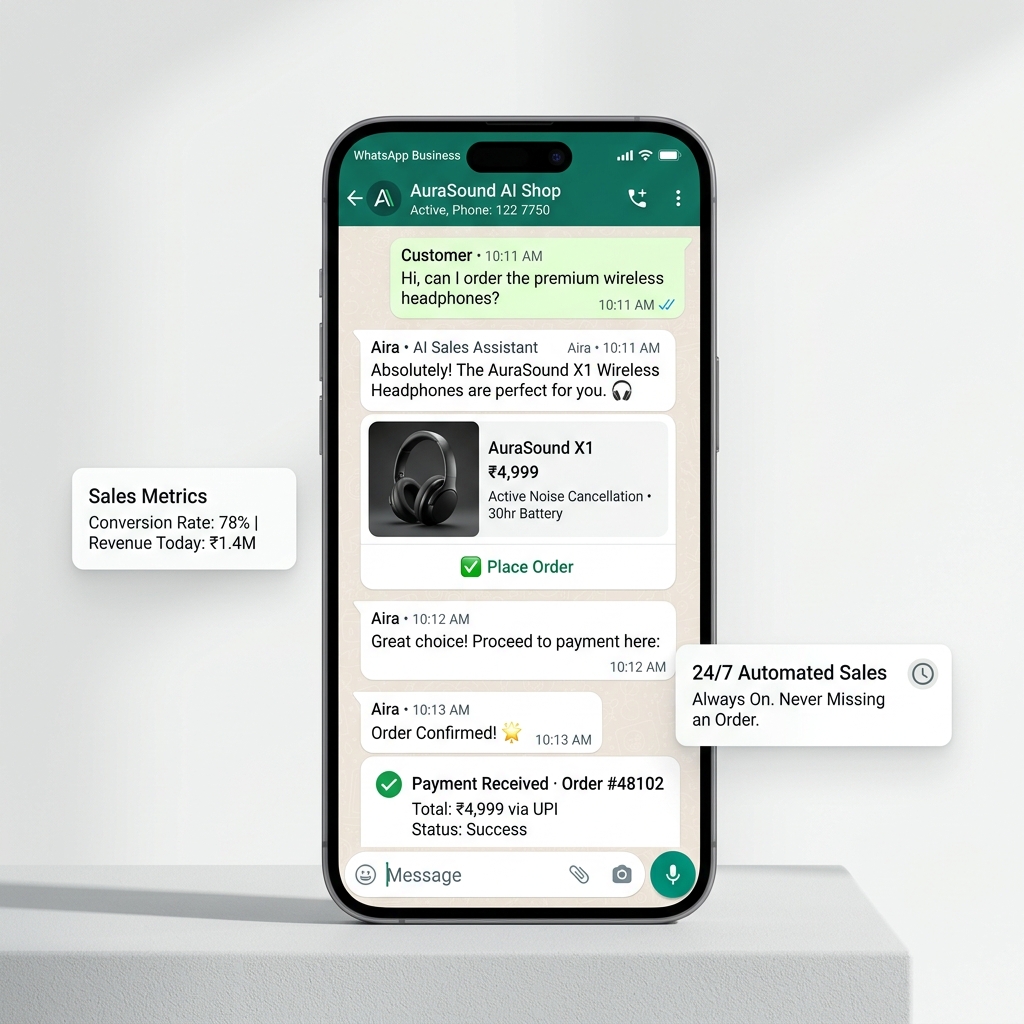
Managing customer support over email or phone creates friction and long resolution queues.
Modern consumers dislike waiting on hold during phone calls or waiting 24 hours for email replies. When they attempt to message businesses on WhatsApp, disjointed replies from individual employee phones lead to duplicate answers, dropped context, and frustrated customers.
Fragmented Employee Handsets
Customer conversations live in silos on staff personal phones, making quality monitoring and handover impossible.
High Support Ticket Volumes
Support staff spend hours manually answering repetitive questions about order tracking, refunds, and store hours.
Agent Collisions and Duplication
Two agents unknowingly message the same customer simultaneously with conflicting advice or pricing.
No Performance Visibility
Management cannot measure average first-response times, resolution speeds, or customer satisfaction scores.
A structured customer support command center built for WhatsApp.
HyperFast Connect unifies all incoming customer chats into an organized team inbox with ticket assignment, private internal notes, instant canned answers, and automated routing.
Collision-Free Team Collaboration
Clear agent assignment indicators prevent multiple staff members from typing to the same customer simultaneously.
Library of Canned Responses
One-click access to verified, standardized answers for common policy questions, instructions, and return steps.
Internal Private Team Notes
Leave hidden context notes on customer threads for colleagues without exposing internal comments to the buyer.
Concrete benefits for daily operations
Clear outcomes focused on consistency, reduced repetitive tasks, and coordinated delivery.
Faster Issue Resolution
Resolve inquiries in minutes through conversational messaging rather than protracted email chains.
Transparent Customer History
Review past purchase receipts, prior support tickets, and previous notes before replying to a message.
Lower Agent Burnout
Automated deflection of routine inquiries allows support teams to focus their empathy on complex cases.
Measurable Team SLAs
Monitor first-response times, resolution duration, and agent throughput with real-time analytics.
Faster Resolution Times
Resolve recurring questions about shipping, returns, and hours with automated replies.
Smooth Human Handoff
Route complex inquiries seamlessly to live team members when personal assistance is required.
Tailored use cases across industries
How different teams, operators, and business models apply this workflow.
E-commerce Retailers
Manage returns, handle address corrections, track courier delays, and resolve damaged package inquiries.
Subscription and SaaS Companies
Troubleshoot onboarding questions, assist with password resets, and handle billing invoice inquiries.
Travel and Tour Operators
Provide real-time booking amendments, flight delay assistance, hotel vouchers, and itinerary updates.
Local Repair and Home Services
Coordinate technician arrival windows, share repair estimates, and verify customer completion sign-offs.
Modernize your customer support in four steps.
A reliable process to elevate support team performance.
Connect Team Phone Number
Integrate your dedicated customer service number with the official Meta Cloud API.
Create Standard Canned Responses
Build a library of approved answers for return policies, shipping windows, and payment methods.
Configure Auto-Assignment Rules
Route incoming chats automatically to available agents based on skill set or round-robin logic.
Track Resolution Metrics
Monitor response speed, open ticket volume, and customer feedback from your analytics dashboard.
Resolution speed and customer satisfaction.
Centralized WhatsApp support delivers swift assistance while maintaining strict professional accountability.
First-Response Speed
Reduces average response time from hours on email to minutes on conversational WhatsApp.
Service Continuity
Seamless handoffs between shift changes without losing previous context or conversation history.
Customer Reassurance
Customers appreciate direct, human-like assistance on the messaging app they use every day.
Required Human Review Checklist
HyperFast assists in accelerating drafting, generation, and formatting. To maintain customer trust and operational accuracy, your team should verify these items before publishing:
- Ensure agents verify customer order details before sharing sensitive tracking or billing information.
- Review canned responses monthly to confirm return addresses, policies, and links remain current.
- Verify that escalation pathways exist to transfer complex or frustrated customers to senior supervisors.
- Confirm that customer satisfaction (CSAT) survey prompts are sent only after issue resolution is confirmed.
Frequently Asked Questions
Clear answers regarding capabilities, workflows, asset formats, and implementation.
Yes. The HyperFast Connect inbox is accessible securely through modern web browsers, allowing remote and distributed support teams to collaborate seamlessly.
Deliver the swift WhatsApp support your customers expect.
Unify your team inbox, eliminate agent collisions, and resolve customer issues faster with HyperFast Connect.