
Automated Product Background Remover for Clean Cutouts
Extract product subjects cleanly from complex backgrounds, preserve subtle edge details, and export transparent PNGs or clean white layers in seconds.
- Flawless Subject Isolation
- Substantial Time Savings
- Consistent Catalog Boundaries
No credit card required · Instant setup · Full editorial control
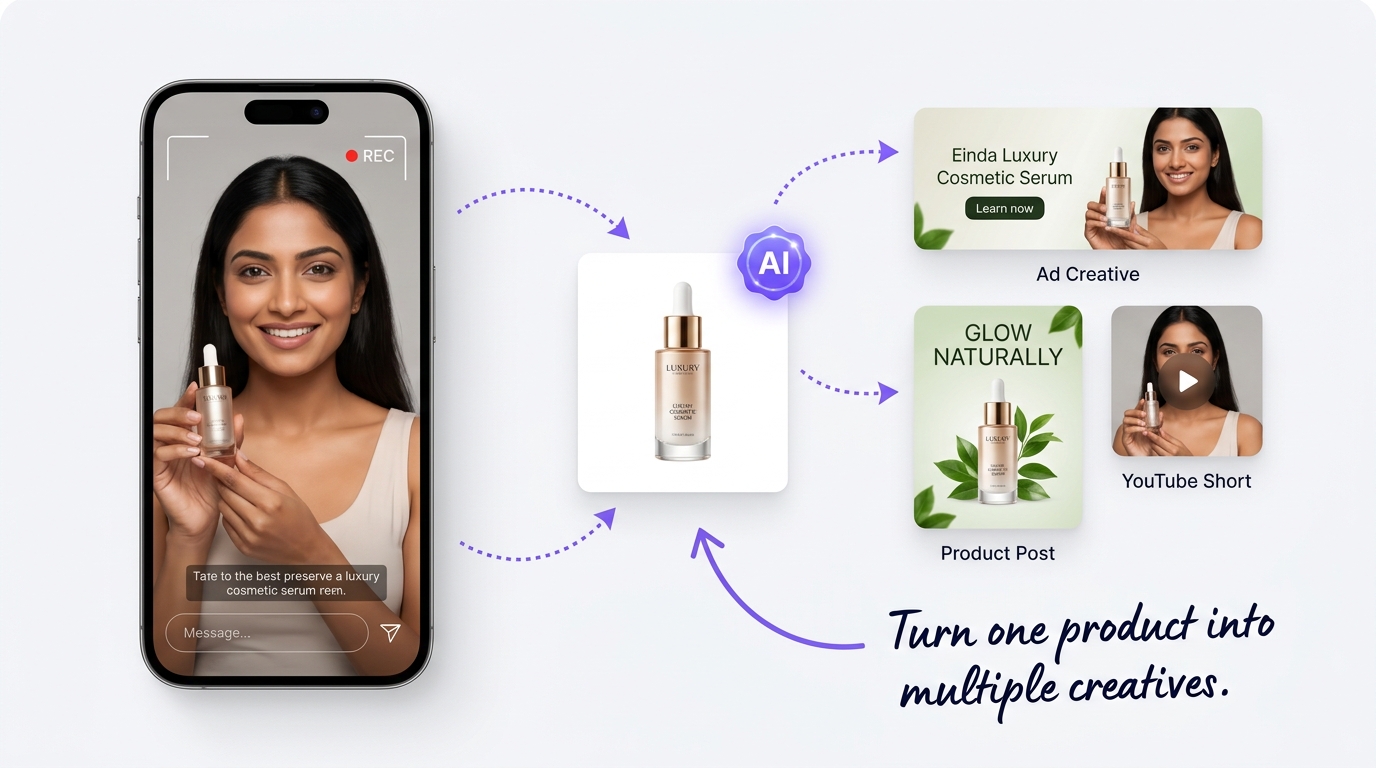
Manual background masking is slow, repetitive, and prone to edge artifacts.
Every e-commerce merchant knows the frustration of tracing pen tool paths around complex silhouettes, fine hair, transparent bottles, or mesh fabrics. Basic automated cutouts often leave unsightly halos, jagged pixel edges, or accidentally erase parts of the product.
Unnatural Edge Halos
Crude background removal leaves colored fringes from the original background clinging to product boundaries.
Loss of Fine Details
Frayed textures, bicycle spokes, cosmetic applicators, and thin straps get clipped away by low-accuracy cutouts.
Transparent Container Challenges
Clear glassware, perfume bottles, and sunglasses lose their interior transparency when masked improperly.
High Retouching Labor Hours
Manually refining clipping paths across hundreds of supplier images consumes hours of valuable creative time.
Sub-pixel edge detection trained on diverse commercial merchandise.
HyperFast AI Studio accurately separates physical product subjects from distracting backdrops, preserving subtle contours, transparent materials, and delicate textures.
Hair and Texture Preservation
Maintain natural fuzzy edges on apparel items, plush goods, brushes, and textured leather.
Alpha Channel Transparency
Properly render transparent glass, translucent liquids, and tinted plastic without turning them opaque.
One-Click White Layer Export
Instantly replace removed backgrounds with pure marketplace white or download transparent alpha PNGs.
Concrete benefits for daily operations
Clear outcomes focused on consistency, reduced repetitive tasks, and coordinated delivery.
Flawless Subject Isolation
Produce clean, professional cutouts that blend seamlessly into any website layout, advertisement, or banner.
Substantial Time Savings
Eliminate hours spent manually drawing vector clipping paths in desktop photo editing suites.
Consistent Catalog Boundaries
Standardize irregular vendor photos into clean, universally usable product assets.
Flexible Asset Repurposing
Use transparent product cutouts across promotional posters, carousel ads, social posts, and email campaigns.
Clean Transparent PNGs
Export crisp cutouts with smooth edges ready to layer over any background or banner.
Batch Processing Efficiency
Clean multiple product shots simultaneously so you can prepare whole collections together.
Tailored use cases across industries
How different teams, operators, and business models apply this workflow.
Cosmetics and Fragrance Brands
Extract glass perfume flacons, dropper vials, and metallic lipstick cases with realistic edge transparency.
Apparel and Footwear Merchants
Isolate shoes, sneakers, folded shirts, and accessories from warehouse floor photos.
Consumer Hardware and Tools
Clean up drills, kitchen appliances, electronic gadgets, and mechanical parts with intricate geometric cutouts.
Graphic Designers and Agencies
Prepare isolated product elements for composite marketing collateral, lookbooks, and promotional print flyers.
Extract clean product cutouts in four straightforward steps.
From busy background to pristine cutout in seconds.
Upload Original Image
Submit raw product photos captured against any floor, table, or showroom background.
Automated Edge Segmentation
Algorithms detect the core product silhouette, accounting for fine textures and transparent zones.
Inspect Boundary Precision
Verify perimeter edges against a high-contrast dark checkerboard or white background.
Download Transparent PNG
Export high-resolution transparent assets ready for your online store or composite design layouts.
Edge cleanliness and silhouette integrity.
Clean cutouts provide the foundation for all subsequent marketing visuals and catalog standardization.
Halo Elimination
Removes color cast reflection from surrounding studio walls or floor surfaces.
Catalog Uniformity
Enables all products to sit on identical background shades without visual discordance.
Design Versatility
Transparent assets can be layered onto brand-colored campaign cards effortlessly.
Required Human Review Checklist
HyperFast assists in accelerating drafting, generation, and formatting. To maintain customer trust and operational accuracy, your team should verify these items before publishing:
- Examine tight internal gaps (such as mug handles, scissor loops, or shoelace openings) to ensure they are fully cleared.
- Verify that semi-transparent areas (like amber bottles or sheer fabric) retain realistic opacity.
- Check that reflective chrome or gold edges have not been clipped away accidentally.
- Confirm that product boundary lines appear smooth and anti-aliased rather than jagged.
Frequently Asked Questions
Clear answers regarding capabilities, workflows, asset formats, and implementation.
No. The subject's original pixel resolution, color profile, and sharpness are fully preserved during extraction.
Get pristine product cutouts without manual retouching.
Isolate product subjects with clean edges and zero background halos using HyperFast AI Studio.