HyperFast vs Canva: Design Tool vs AI Business Platform
HyperFast vs Canva: when you need a design suite versus an AI platform that creates, publishes, and engages — with a clear comparison table and dual-use patterns.
Quick verdict
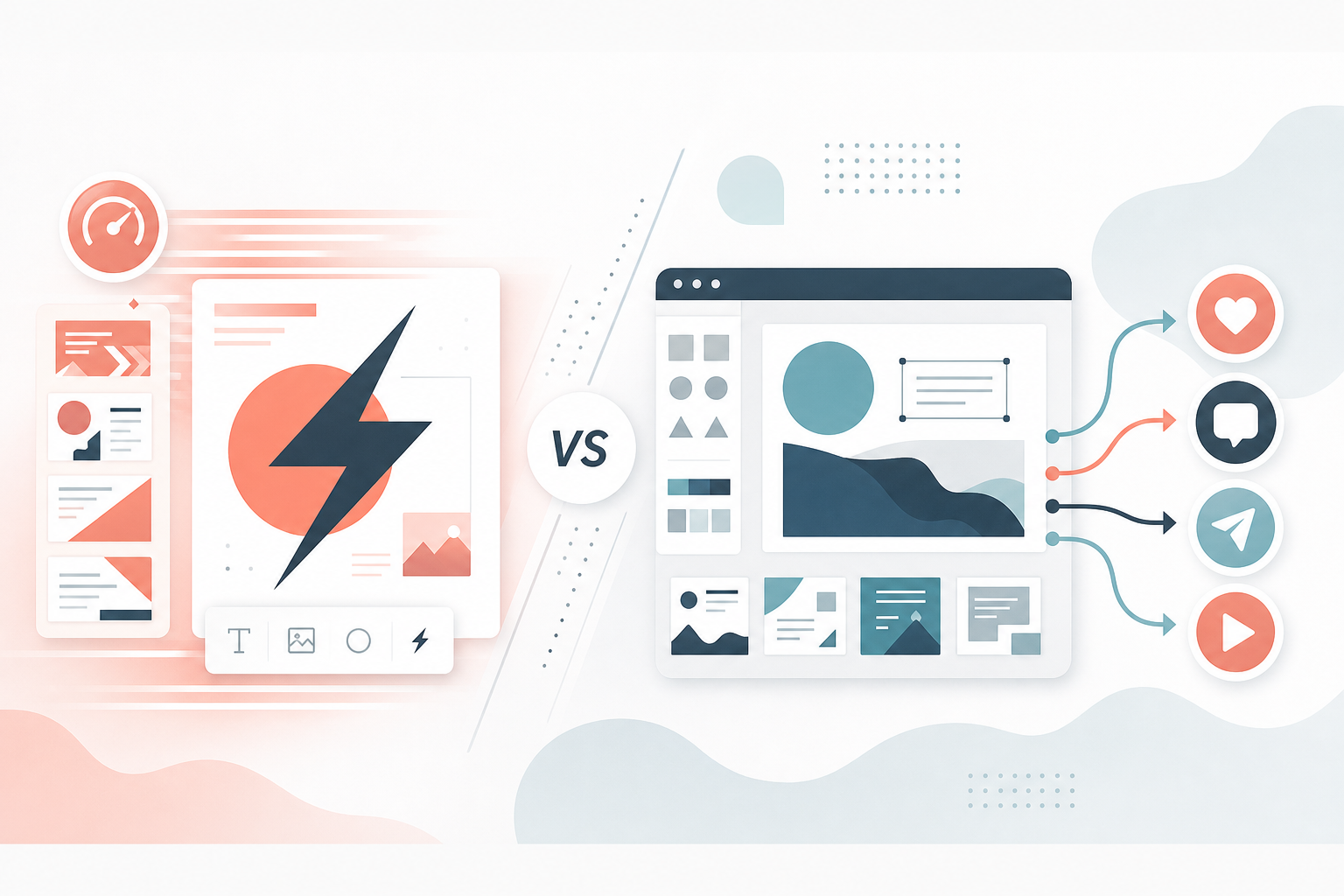
Canva is the default design workspace for millions of marketers. HyperFast is not trying to replace every Canva template — it connects creation with publishing and WhatsApp engagement. Many teams will still use Canva and HyperFast; the real question is which product owns the workflow.
What Canva does best
Templates, Brand Kits, Magic Studio, collaborative design, and polished exports. If the deliverable is a visual — social graphic, presentation, print collateral — Canva is hard to beat on speed and accessibility for non-designers.
What HyperFast does best
Turning ideas into multi-channel campaigns: AI Studio assets, Publish scheduling, Connect for WhatsApp, plus Sites and Commerce when you need owned destinations. Design is a step — not the whole product. HyperFast also includes news workflows for publishers.
Feature comparison table
| Comparison point | HyperFast | Canva |
|---|---|---|
| Primary job | Create + publish + engage | Visual design & templates |
| Template library / Brand Kit | Product templates + Studio | Industry-leading |
| AI image / video generation | Yes (AI Studio) | Yes (Magic Studio) |
| Print / presentation design | Not the focus | Excellent |
| Social scheduling | Yes (Publish) | Basic / limited vs Buffer-class tools |
| WhatsApp Business | Yes (Connect) | No |
| News automation | Yes | No |
| Websites / commerce | Yes | Limited website builders; not commerce OS |
| Learning curve for one-off creatives | Broader product | Very friendly |
| Best for | Shipping & converting content | Design craft as the deliverable |
Can you use both?
Yes — and many serious brands will. A common pattern: brand-heavy creatives and campaigns in Canva, then HyperFast for scheduling, news-to-social repurposing, WhatsApp follow-ups, and analytics across the rest of the funnel. If you want fewer tools, HyperFast’s Studio covers many day-to-day social assets without opening a second app. If you need print-ready decks and complex brand systems, keep Canva.
Where they compete at the edges
Both can generate an Instagram graphic from a prompt. Canva usually wins on design control and template taste. HyperFast wins when that graphic must also be scheduled, paired with captions across channels, and tied to a WhatsApp campaign in the same workspace.
Who should choose Canva
In-house designers, social teams whose KPI is creative volume and brand polish, and companies that already have a solid publishing and messaging stack.
Who should choose HyperFast
Publishers and growth teams whose KPI is throughput from idea to live post to conversation — and who resent exporting ZIPs between tools every afternoon.
Conclusion
Choose Canva when design craft is the product. Choose HyperFast when shipping and converting content across channels is the product. They compete at the edges and complement each other in the middle.
Related articles
View all
AI News Automation
HyperFast News vs Renderforest, HeyGen, InVideo & ElevenLabs: Best AI News Tool in 2026
July 27, 2026 · 16 mins read
Social Media & Publishing
HyperFast vs Wati: WhatsApp Platform or Full Growth Stack?
July 27, 2026 · 13 mins read

Workflow & Productivity
Best AI Business Tools in 2026: Platforms Worth Trying
July 26, 2026 · 14 mins read
Create, publish, and grow from one platform
AI content, multi-channel publishing, and WhatsApp automation — built for newsrooms and growing businesses.
